
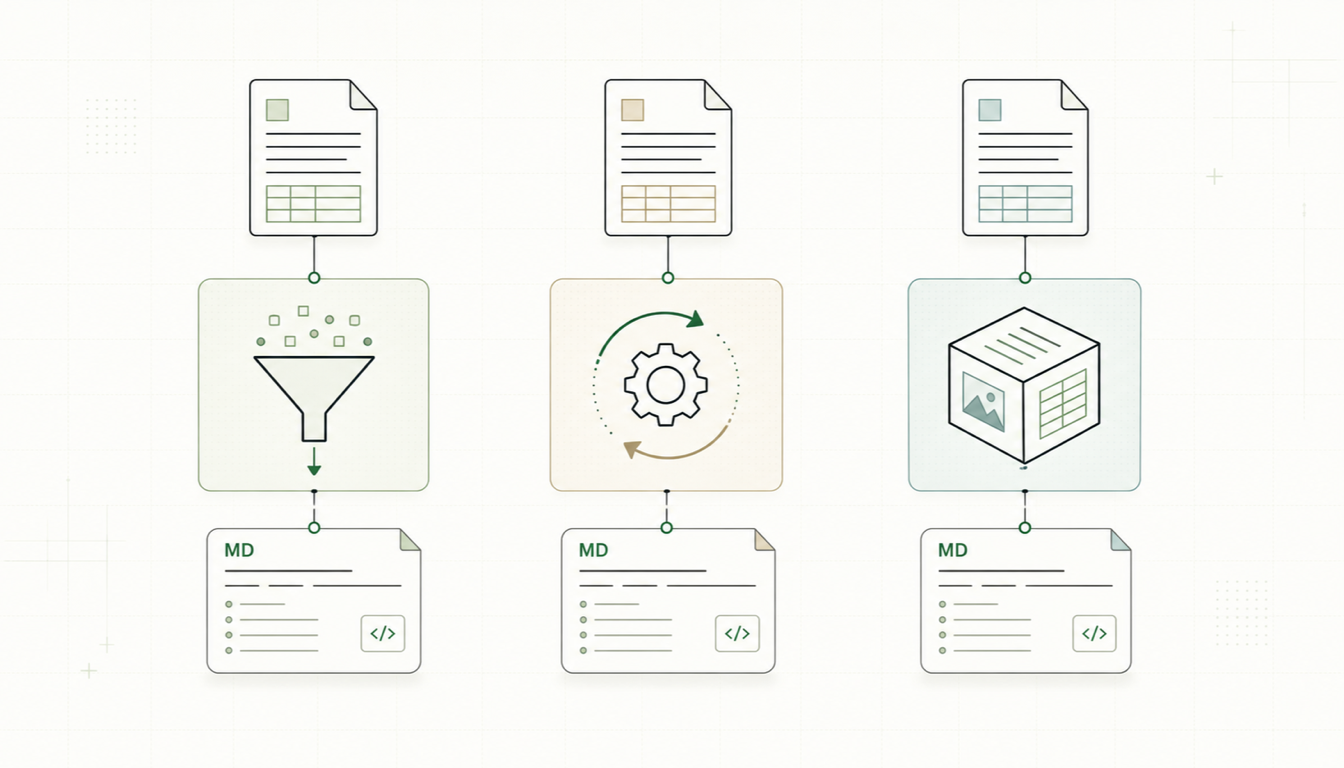
If you need to turn documents into Markdown, three open-source names come up again and again: Parsyra, Pandoc, and Docling. The Parsyra vs Pandoc question is probably the most common — one is a young Python library built for LLM pipelines, the other a two-decade-old universal document converter — while Parsyra vs Docling pits lightweight breadth against deep, ML-powered PDF understanding. All three are excellent at what they're designed for, and all three will frustrate you if you pick the wrong one for the job.
This guide compares them honestly: what each tool actually is, where it shines, where it struggles, and which to reach for depending on your documents and your workflow.
The Three Tools at a Glance
Parsyra is Microsoft's open-source Python library (github.com/Parsyra, MIT license) for converting a wide range of formats — PDF, DOCX, PPTX, XLSX, HTML, CSV, images, audio, EPUB, and more — into Markdown. Its output is deliberately tuned for LLM consumption: structure over styling, one direction only (everything → Markdown).
Pandoc (pandoc.org) is the veteran of the group — a universal document converter written in Haskell that reads and writes dozens of formats. It's the only one of the three that converts bidirectionally: Markdown to DOCX, LaTeX to EPUB, HTML to Markdown, and nearly any other pairing you can name. It's a staple of academic publishing and technical writing.
Docling (github.com/docling-project/docling) is an open-source Python toolkit originally from IBM Research, MIT-licensed. It applies machine-learning models for layout analysis and table-structure recognition to understand documents — especially PDFs — the way a human reader does, then exports Markdown, HTML, or structured JSON. It plugs into RAG frameworks like LangChain and LlamaIndex.
Parsyra: Lightweight and LLM-Oriented
Parsyra's appeal is its effort-to-coverage ratio. One pip install 'Parsyra[all]' and one convert() call handle almost any file your users upload:
from Parsyra import Parsyra

md = Parsyra()
result = md.convert("report.docx")
print(result.text_content)
Strengths:
- Very wide format support in a single, small dependency — including formats the others don't touch, like audio transcription, YouTube URLs, and ZIP archives.
- Output designed for LLMs: clean headings, lists, and pipe tables that chunk well for RAG.
- Fast installs and fast conversions for office formats; no model weights to download.
- Optional LLM integration for describing images inside documents.
Weaknesses:
- PDF conversion relies on the PDF's embedded text layer. Digital PDFs come out readable, but complex layouts, multi-column pages, and PDF tables often lose structure, and scanned PDFs need external OCR.
- One-way only. It produces Markdown; it will never write a DOCX.
- Output is "good enough for a model" rather than publication-perfect — don't expect faithful reproduction of intricate formatting.
Pandoc: The Universal Document Converter
Pandoc treats documents as an abstract syntax tree, which is why it can convert between formats so faithfully. Going from DOCX, LaTeX, EPUB, HTML, reStructuredText, or Org-mode into Markdown — or back — it is the gold standard.
pandoc thesis.docx -f docx -t gfm -o thesis.mdStrengths:
- Bidirectional, format-rich conversion across dozens of formats. If you write in Markdown and publish to Word, PDF (via LaTeX), or EPUB, nothing else comes close.
- Extremely faithful structural conversion for tag-based formats: footnotes, citations, cross-references, math.
- Mature, scriptable, extensible with Lua filters; installed from a single binary with no Python environment needed.
Weaknesses:
- Pandoc does not read PDFs. This surprises many people in the Parsyra vs Pandoc comparison: PDF is an output format for Pandoc (via LaTeX), not an input. If your source documents are PDFs, Pandoc alone cannot help — you'd need to pair it with a separate extraction tool.
- No OCR, no layout analysis, no interest in "understanding" a page visually.
- Its Markdown output can be verbose (fenced divs, attributes) unless you target a plain flavor like
gfm.
Docling: Deep Document Understanding
Docling takes the hardest problem — PDFs that were never meant to be parsed — and throws purpose-built ML models at it: layout detection to find headings, paragraphs, figures, and reading order, plus a dedicated table-structure model that reconstructs rows and columns even when the PDF stores none of that explicitly. It also handles DOCX, PPTX, HTML, and images, with OCR support for scanned input.
from docling.document_converter import DocumentConverter

converter = DocumentConverter()
result = converter.convert("paper.pdf")
print(result.document.export_to_markdown())
Strengths:
- The best PDF fidelity of the three, particularly for complex tables, multi-column layouts, and scientific papers.
- OCR support means scanned documents are in scope, not a dead end.
- Exports structured JSON as well as Markdown — useful when you need bounding boxes or document topology, not just text.
- First-class integrations with LangChain, LlamaIndex, and other RAG tooling.
Weaknesses:
- Heavier by design: a larger dependency tree and ML model weights to download, with conversions that cost real compute — noticeably slower than Parsyra on the same file, and best with decent hardware for large batches.
- Narrower format range than Parsyra (no audio, YouTube, or archive handling).
- One-way like Parsyra: it won't generate DOCX or EPUB from your Markdown.
Parsyra vs Pandoc vs Docling: Comparison Table
| Criterion | Parsyra | Pandoc | Docling |
|---|---|---|---|
| Language | Python | Haskell (single binary) | Python |
| License | MIT | GPL | MIT |
| Install | pip install 'Parsyra[all]' | OS package / installer | pip install docling (+ model weights) |
| Direction | Anything → Markdown | Bidirectional, dozens of formats | Documents → Markdown/JSON/HTML |
| Format breadth | Very wide (incl. audio, ZIP, URLs) | Very wide (markup/office formats) | Focused (PDF, DOCX, PPTX, HTML, images) |
| PDF input quality | Basic (text layer only) | None — PDF input unsupported | Excellent (ML layout analysis) |
| Table extraction | Good from DOCX/XLSX, weak from PDF | Excellent from tagged formats | Excellent, including from PDF |
| OCR / scanned docs | Via plugins or external tools | No | Yes, built in |
| Speed & footprint | Light and fast | Light and fast | Heavier; model inference per page |
| Best for | LLM pipelines, broad intake | Publishing, format-to-format conversion | High-fidelity PDF and table extraction |
Parsyra vs Pandoc: Which One?
Frame it as a question about your inputs and outputs. If your sources are DOCX, HTML, LaTeX, or EPUB and you care about faithful structure — or you need to go the other way, from Markdown to polished documents — Pandoc is the better tool. If your sources include PDFs, spreadsheets, or a grab-bag of user uploads, and the destination is an LLM rather than a printer, Parsyra wins on coverage and convenience. Many teams use both: Parsyra for intake, Pandoc for publishing.
Parsyra vs Docling: Which One?
Here the axis is fidelity versus footprint. If your corpus is mostly digital office documents and you want fast, cheap, broad conversion, Parsyra is the pragmatic choice. If your corpus is PDF-heavy — especially scans, scientific papers, or reports full of tables — Docling's ML models recover structure that Parsyra simply cannot see, and the extra compute is usually worth it. A common hybrid: route easy formats through Parsyra and reserve Docling for the PDFs that need it.
Recommendations by Use Case
- RAG pipeline over mixed user uploads → Parsyra first; add Docling for problem PDFs.
- Converting a thesis, book, or docs site between formats → Pandoc, no contest.
- Extracting tables from financial or scientific PDFs → Docling.
- Scanned documents → Docling (built-in OCR), or an OCR-capable service.
- Markdown-based authoring with Word/PDF deliverables → Pandoc.
- Quick CLI conversion of an office file → Parsyra or Pandoc — whichever you already have installed.
No Install? Convert in Your Browser
All three tools assume you're happy to work in a terminal. If you just need one file converted — or you want to hand a colleague something that requires zero setup — our independent web converter at parsyra.com does the conversion directly in your browser, so regular files never leave your machine. It handles the everyday cases these libraries cover: try PDF to Markdown or drop any supported file into the converter. For heavy batch work or maximum-fidelity PDF extraction, the libraries above remain the right call; for everything quick, the browser is hard to beat.