

If you've ever written a README on GitHub, formatted a message on Slack or Discord, or taken notes in Obsidian, you've already used Markdown — even if you didn't know it by name. Markdown is everywhere, and for good reason: it's the simplest way to write formatted text that looks good anywhere.
In this guide, we'll explain what Markdown is, why it was created, how the syntax works, and why it has become the default writing format for developers, writers, and anyone who works with text on the web.
The Short Answer
Markdown is a lightweight markup language that lets you format text using simple, readable symbols. Instead of clicking toolbar buttons or writing HTML tags, you type characters like #, *, and - to create headings, bold text, and lists.
Here's the key idea: Markdown is designed to be readable as plain text. Even without rendering, a Markdown file makes sense to a human reader. That's what makes it different from HTML or rich text formats.
A Brief History
Markdown was created in 2004 by John Gruber (with help from Aaron Swartz) as a text-to-HTML conversion tool. Gruber's goal was simple:
"The overriding design goal for Markdown's formatting syntax is to make it as readable as possible. The idea is that a Markdown-formatted document should be publishable as-is, as plain text, without looking like it's been marked up with tags or formatting instructions."
The original Markdown was a Perl script that converted plain text to HTML. Today, Markdown has evolved far beyond that — it's a universal format supported by hundreds of tools, platforms, and applications.
Markdown Syntax: The Basics
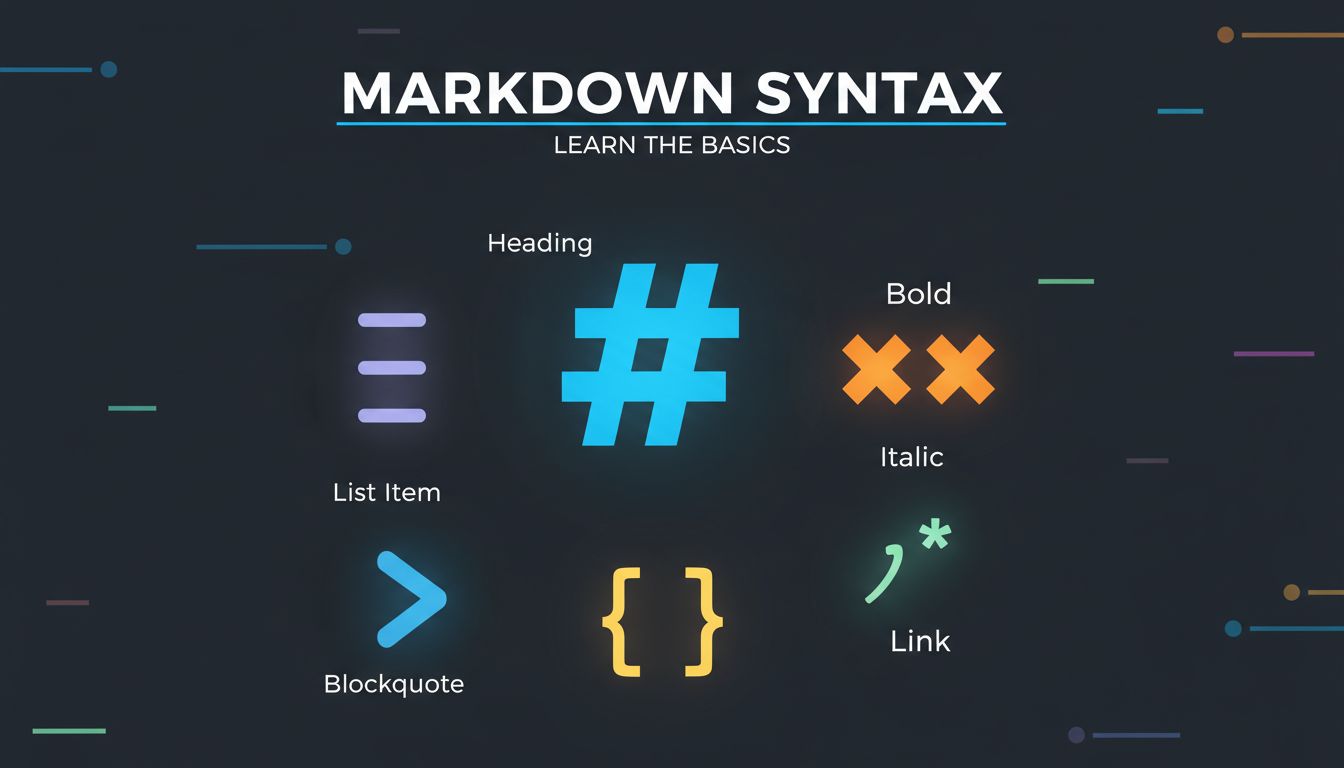
Learning Markdown takes about 10 minutes. Here are the essentials:
Headings
Use # symbols to create headings. More # signs mean smaller headings:
# Heading 1 (largest)

## Heading 2

### Heading 3

#### Heading 4

##### Heading 5

###### Heading 6 (smallest)
Text Formatting
**Bold text** uses double asterisks
_Italic text_ uses single asterisks
**_Bold and italic_** uses triple asterisks
~~Strikethrough~~ uses double tildes
`Inline code` uses backticks
Lists
Unordered list:

- Item one
- Item two
  - Nested item
  - Another nested item

Ordered list:

1. First step
2. Second step
3. Third step
Links and Images
[Link text](https://example.com)
[Link with title](https://example.com 'Hover title')
Blockquotes
> This is a blockquote.
> It can span multiple lines.
>
> > Nested blockquotes work too.
Code Blocks
Use triple backticks for multi-line code, with an optional language identifier for syntax highlighting:
\`\`\`python
def hello():
print("Hello, Markdown!")
\`\`\`
Tables
| Column 1 | Column 2 | Column 3 |
| -------- | -------- | -------- |
| Row 1    | Data     | Data     |
| Row 2    | Data     | Data     |
Horizontal Rules
---Why Markdown? Plain Text vs. Rich Text
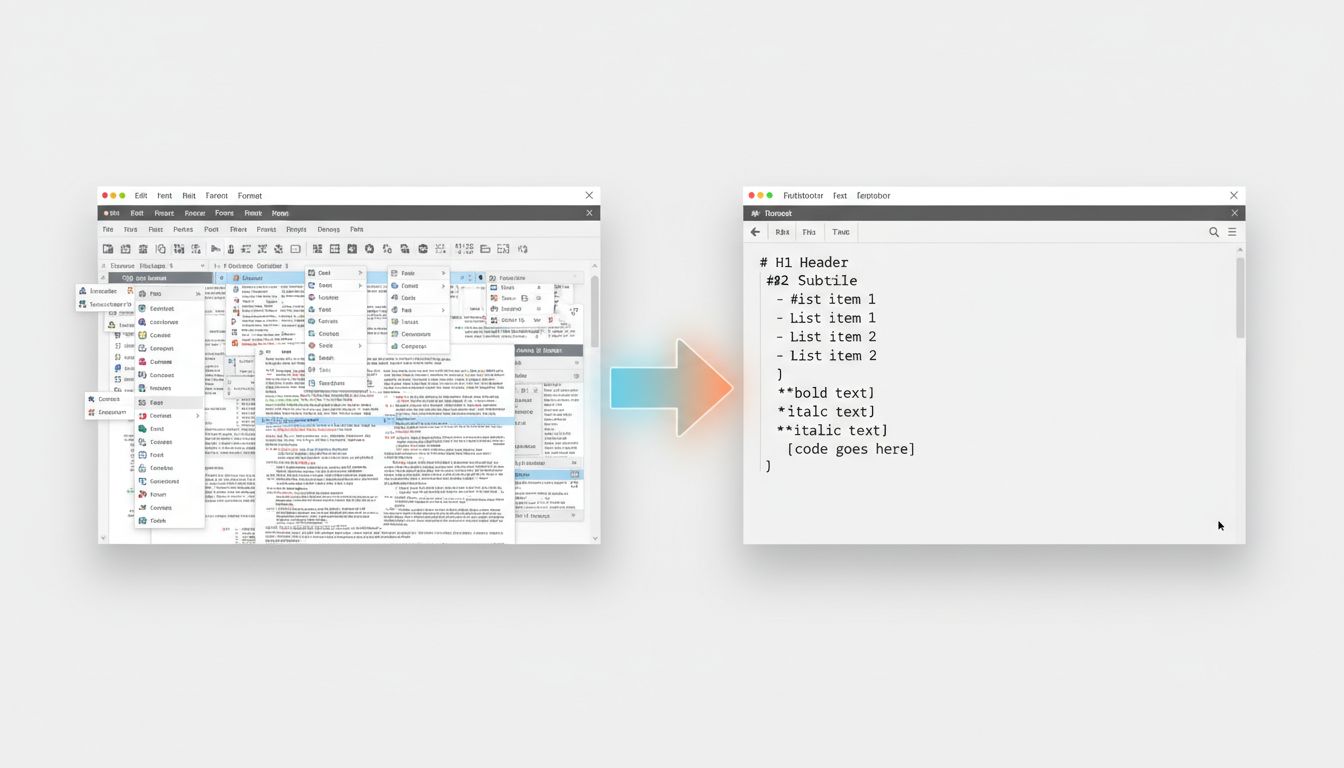
To understand why Markdown matters, compare it to the alternatives. (For a deeper side-by-side, see our full guide on Markup vs Markdown.)
Rich Text (Word, Google Docs)
- Formatting is hidden inside the file (XML, binary)
- Requires specific software to open and edit
- Files get bloated with metadata and styles
- Copy-pasting between apps often breaks formatting
- Vendor lock-in — your content is tied to the tool
HTML
- Powerful but verbose — tags everywhere
- Hard to read as source text
- Easy to make mistakes with unclosed tags
- Overkill for simple content
Markdown
- Human-readable as plain text
- Portable — works in any text editor
- Lightweight — no bloat, no hidden formatting
- Convertible — easily transforms to HTML, PDF, DOCX, and more
- Version-control friendly — diffs make sense in Git
This is why Markdown has won. It gives you 90% of the formatting you need with 10% of the complexity.
Where Markdown is Used
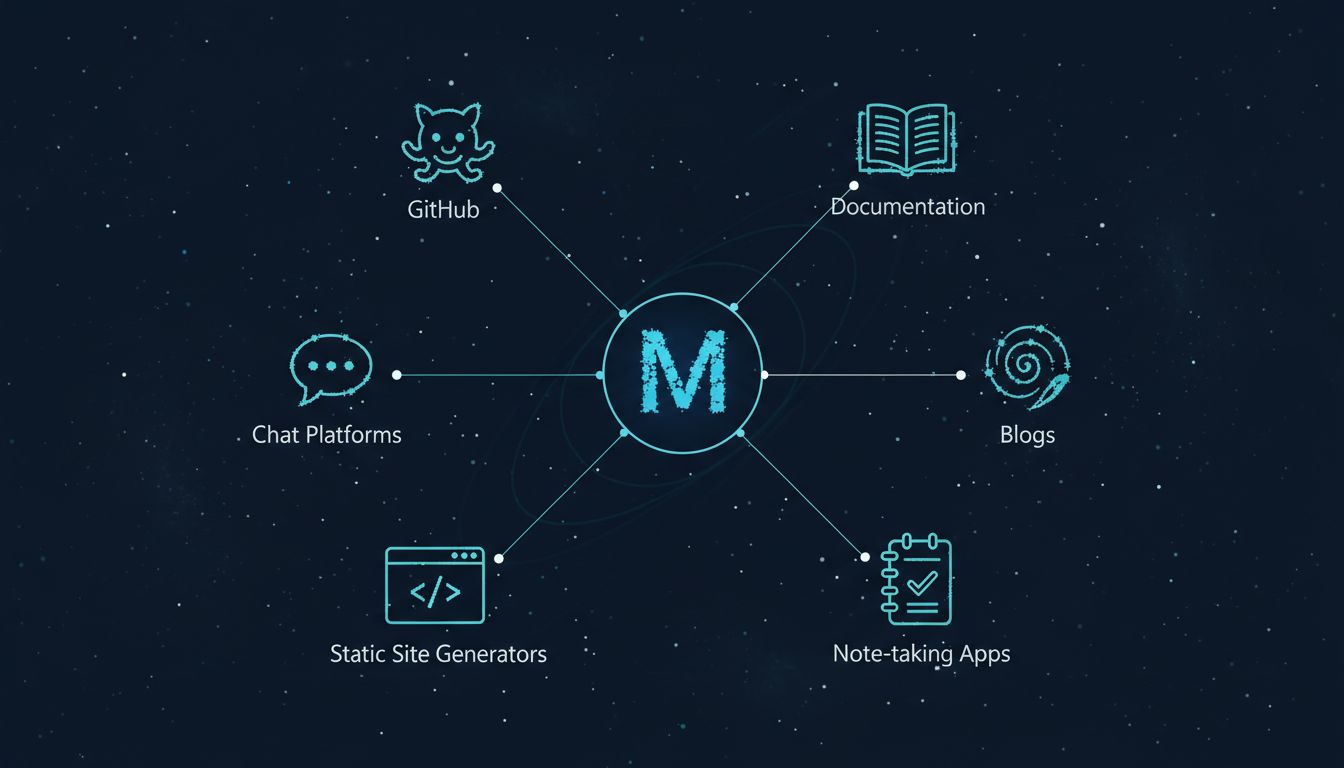
Markdown has been adopted across virtually every corner of the tech world — and beyond:
Software Development
- GitHub / GitLab / Bitbucket — READMEs, issues, pull requests, wikis
- Stack Overflow — Questions and answers
- Documentation — Most developer docs are written in Markdown
Writing and Publishing
- Static site generators — Hugo, Jekyll, Astro, Next.js blogs
- Content management — Headless CMS platforms use Markdown
- Technical writing — API docs, tutorials, knowledge bases
Note-Taking
- Obsidian — Full knowledge base built on Markdown files
- Notion — Supports Markdown input and shortcuts
- Bear, Typora, iA Writer — Markdown-native editors
Communication
- Slack — Bold, italic, code, and lists via Markdown
- Discord — Full Markdown support in messages
- Reddit — Post and comment formatting uses Markdown
AI and LLMs
- ChatGPT, Claude, Gemini — All output responses in Markdown
- RAG pipelines — Markdown is the preferred input format for LLMs
- Training data — Much of the web's structured content is Markdown
Markdown Flavors
The original Markdown spec left some things ambiguous, so several extended versions have emerged:
| Flavor | Added Features | Used By |
|---|---|---|
| CommonMark | Strict spec, removes ambiguity | Standard reference |
| GitHub Flavored Markdown (GFM) | Tables, task lists, strikethrough, autolinks | GitHub, many tools |
| MDX | JSX components inside Markdown | React/Next.js apps |
| MultiMarkdown | Tables, footnotes, metadata | Academic writing |
| Obsidian Markdown | Wiki-links, callouts, embeds | Obsidian app |
For most purposes, GitHub Flavored Markdown (GFM) is the de facto standard. If you learn GFM, you'll be comfortable in 95% of Markdown environments.
Getting Started: Your First Markdown File
- Open any text editor (VS Code, Notepad, TextEdit — anything works)
- Create a new file and save it as
my-first-note.md - Type this:
# My First Markdown File

This is a paragraph. Markdown is **easy** to learn.

## Things I Like

- Simple syntax
- Works everywhere
- No special software needed

## A Quick Code Example

\`\`\`javascript
console.log("Hello, Markdown!");
\`\`\`

> Markdown is the universal language of formatted text.- Preview it on GitHub, in VS Code (Ctrl+Shift+V), or paste it into any Markdown-compatible tool
That's it. You're writing Markdown.
Converting Documents to Markdown
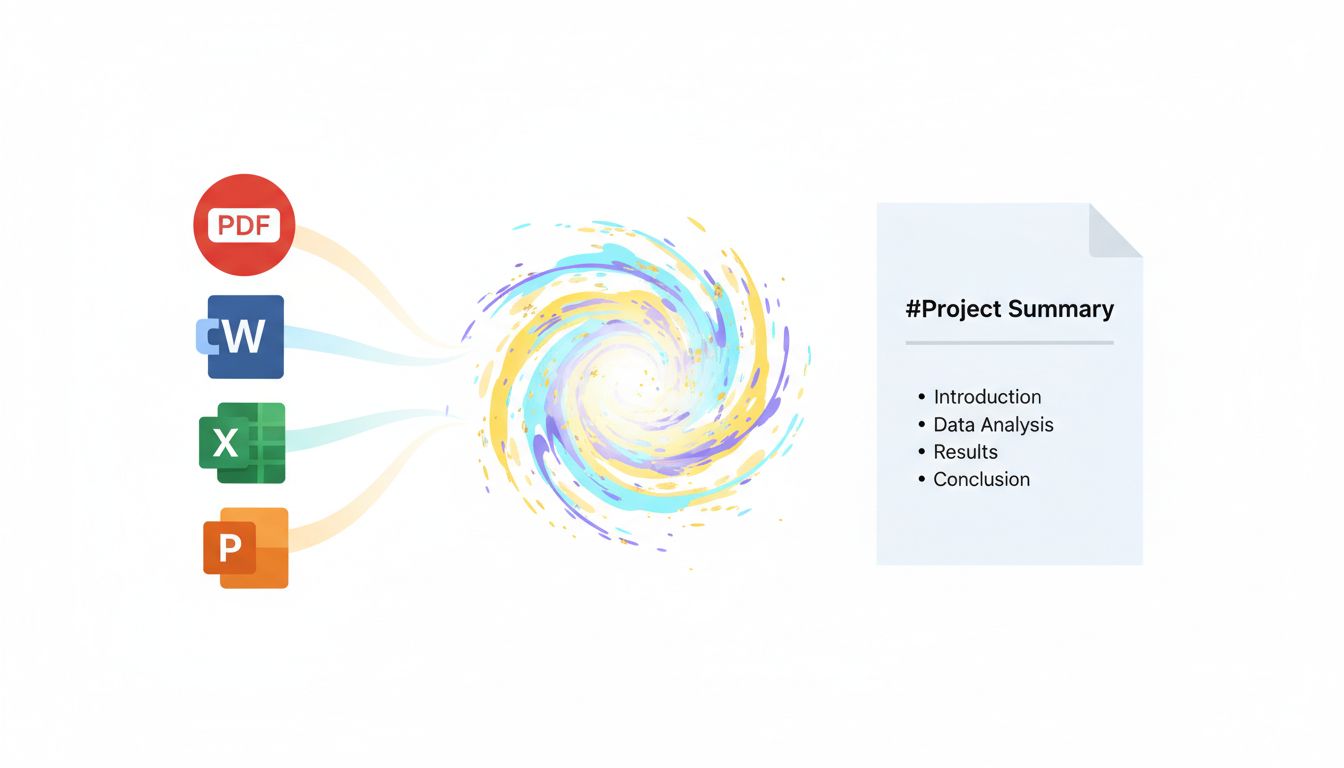
One of the most common questions is: "I have existing documents in PDF, Word, or PowerPoint — how do I convert them to Markdown?"
This is exactly the problem that Parsyra solves. It's an open-source Python library that converts virtually any file format to clean, structured Markdown — preserving headings, lists, tables, and links.
Using the Command Line
pip install 'Parsyra[all]'

# Convert a PDF
Parsyra report.pdf -o report.md

# Convert a Word document
Parsyra meeting-notes.docx -o meeting-notes.md

# Convert a PowerPoint presentation
Parsyra slides.pptx -o slides.md
Using the Python API
from Parsyra import Parsyra

md = Parsyra()
result = md.convert("document.pdf")
print(result.text_content)
Try It Online
Don't want to install anything? Visit parsyra.com to convert files directly in your browser. Upload a PDF, Word doc, Excel spreadsheet, or any supported format, and get clean Markdown output instantly — no signup, no installation.
Whether you're migrating content to a Markdown-based blog, building an Obsidian vault, or preparing documents for an LLM pipeline, parsyra.com makes it effortless. You can also write and preview Markdown from scratch in the free Markdown online editor.
Recommended Markdown Editors
| Editor | Platform | Best For |
|---|---|---|
| VS Code | All | Developers (free) |
| Obsidian | All | Knowledge management (free) |
| Typora | All | Clean WYSIWYG editing |
| iA Writer | Mac/iOS | Focused writing |
| Mark Text | All | Open-source alternative |
| Notion | All/Web | Team collaboration |
Conclusion
Markdown is the simplest, most portable way to write formatted text. Created in 2004 as a humble text-to-HTML tool, it has become the universal language of structured writing — used by developers, writers, researchers, and AI systems alike.
The beauty of Markdown is that it gets out of your way. No toolbars, no menus, no formatting headaches. Just you, your text, and a few simple symbols.
Ready to convert your existing documents to Markdown? Try parsyra.com — upload any file and get clean Markdown in seconds.